Ouvrir le menu d'accessibilité Passer au contenu de la page

Free QR code generator

Make it easy for people to scan and view your website, menus, invites, and more. Create a free QR code in seconds, and it’s ready to share!

Free QR code generator

Make it easy for people to scan and view your website, menus, invites, and more. Create a free QR code in seconds, and it’s ready to share!

How to create a QR code

How to create a QR code

  • 1
    Add your link.

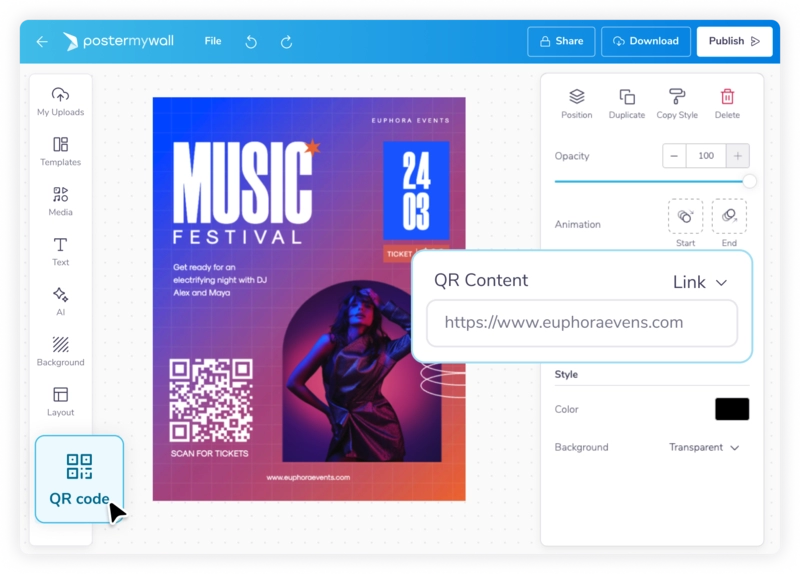
    Paste your link in the QR code generator above, or click on “QR code” in the PosterMyWall editor and add your link.

  • 2
    Customize QR code.

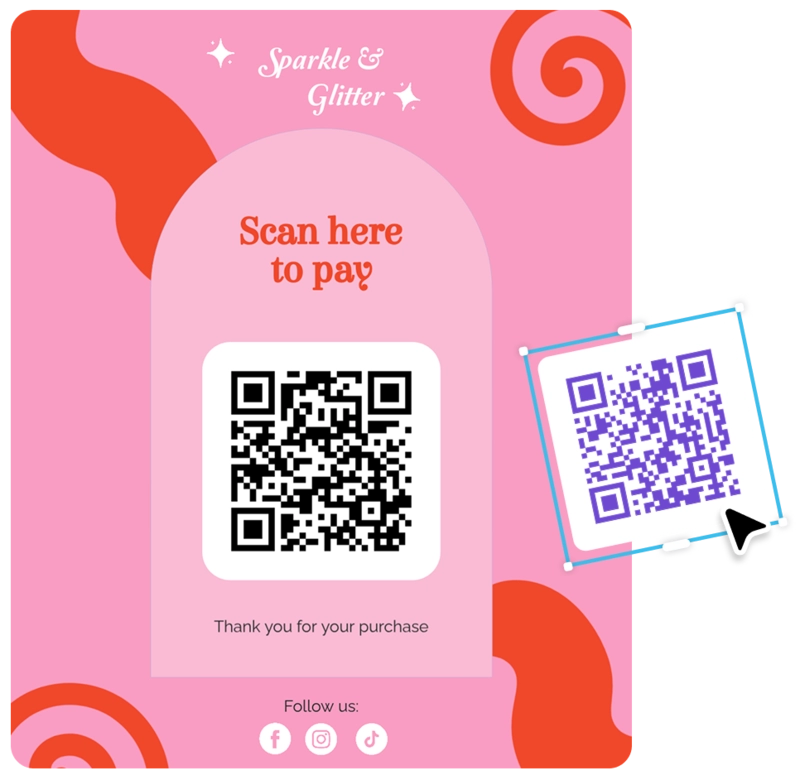
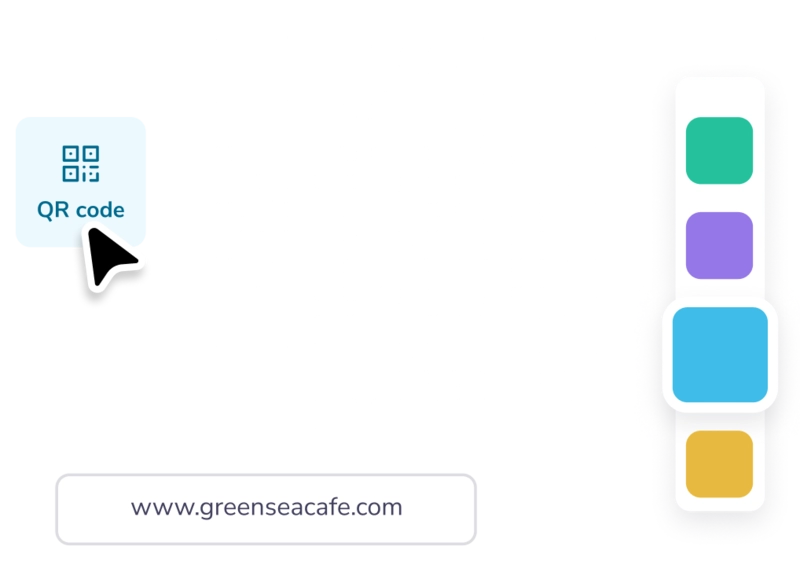
    Change the colors, size, and style of your QR code.

  • 3
    Share.

    Download the QR code as an image, or upload it to your current PosterMyWall designs and videos.

Create QR codes in seconds

Create QR codes in seconds

Generate custom QR codes instantly with our free QR code generator. No sign-up required, no hidden fees - just enter your URL and create a QR code in seconds. Whether you need a code for your website, social media profile, or digital portfolio, our online QR code generator delivers high-quality codes ready to download immediately. Perfect for businesses, creators, and anyone who needs quick access to shareable links.

Generate custom QR codes instantly with our free QR code generator. No sign-up required, no hidden fees - just enter your URL and create a QR code in seconds. Whether you need a code for your website, social media profile, or digital portfolio, our online QR code generator delivers high-quality codes ready to download immediately. Perfect for businesses, creators, and anyone who needs quick access to shareable links.

Customize your QR code design

Customize your QR code design

Our free online QR code generator lets you personalize colors, and adjust styles to create eye-catching codes that grab attention. It’s easy to design QR codes that match your posters, flyers, business cards, menus, or invitations—all while keeping your branding consistent!

Our free online QR code generator lets you personalize colors, and adjust styles to create eye-catching codes that grab attention. It’s easy to design QR codes that match your posters, flyers, business cards, menus, or invitations—all while keeping your branding consistent!

Add your QR code everywhere

Add your QR code everywhere

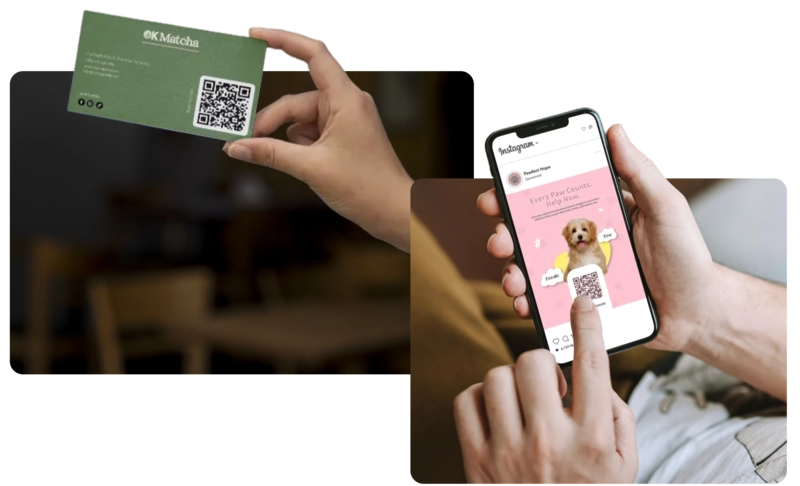
From restaurant menus to event invitations, wedding RSVPs to product packaging, our QR code generator free tool handles any project. Create codes that work flawlessly across all devices, platforms, and prints. Download your codes in high resolution for print or use them digitally across websites and social media.

From restaurant menus to event invitations, wedding RSVPs to product packaging, our QR code generator free tool handles any project. Create codes that work flawlessly across all devices, platforms, and prints. Download your codes in high resolution for print or use them digitally across websites and social media.

What is the best QR code generator?

While there are many QR code generators, PosterMyWall is the best QR code generator for almost any use. Whether you’re adding a QR code to your website on a business card, or a QR code for social media posts - PosterMyWall’s free QR code generator handles it all in seconds.

How to get a QR code for your website?

Simply paste your URL into our QR code generator or click “QR Code” in the PosterMyWall editor and add your link. You can then customize the QR code’s colors, size, and style to match your branding. Once it looks right, download it as an image or place it directly into your PosterMyWall designs and videos - and done!

Foire aux questions

Is PosterMyWall’s QR code generator free?

Yes. PosterMyWall’s QR code generator is completely free to use, and anyone can create QR codes as they need without restrictions.

Can I make a QR code on my mobile?

Absolutely. You can create QR codes directly from your mobile browser or the PosterMyWall app. In the editor:
1. Click “Add.”
2. Select “QR code.”
3. Click “QR Content” and paste your link, email, or phone number.

Do QR codes on PosterMyWall expire?

No. QR codes created on PosterMyWall never expire. Once generated, they’ll continue working for as long as the link you added is active.

What can I link my QR code to on PosterMyWall?

You can link your QR code to any website URL! You can also link it to a phone number or an email address, making it easy for people to call, message, or visit your site with a quick scan.