
Les gens aiment PosterMyWall






Automatically add captions, voiceovers, and music. Our AI video editor handles the edits while you handle the story.
PosterMyWall's AI video editor turns raw footage or a simple prompt into a video ready to post. Trim clips, add transitions, and drop in music, or describe the video you want and let AI Video build a first draft in seconds.
Skip the recording booth: add auto-generated subtitles with AI Subtitles so viewers can watch with the sound off, or add a natural-sounding voiceover with AI Voice without saying a word yourself. Resize the same video for Instagram Reels, TikTok, and YouTube Shorts in a click.
Once your video is ready, publish it straight to your social pages from the same dashboard, or pair it with a matching flyer or event page for a bigger push. Your AI video editor and the rest of your marketing live in one app.
Nous sommes d'avis que les coûts de création et de marketing ne devraient pas vous ruiner. C'est pourquoi nous proposons une solution abordable et complète. 💪
Sur plusieurs applications


Vous économisez $119 grâce à un seul abonnement
Gérez votre marketing depuis une seule plateforme intuitive, propulsée par l'IA. Créez vos designs à partir de millions de modèles gratuits, vendez des billets pour vos événements et publiez sur les réseaux sociaux, par e-mail, sur le web et bien plus encore.
Découvrez ce que votre audience préfère grâce aux statistiques d'engagement de vos publications sociales et de vos campagnes e-mail. Utilisez ces informations pour affiner votre stratégie marketing et créer du contenu qui donne des résultats.
Laissez l'IA faire le gros du travail : générez des designs, des images et des vidéos en quelques secondes, redimensionnez-les pour chaque canal, et planifiez votre contenu à l'avance. Avec des forfaits abordables et des réductions pour les grandes équipes, créer de la magie marketing avec votre équipe n'a jamais été aussi simple.
Log in to PosterMyWall or sign up for free.
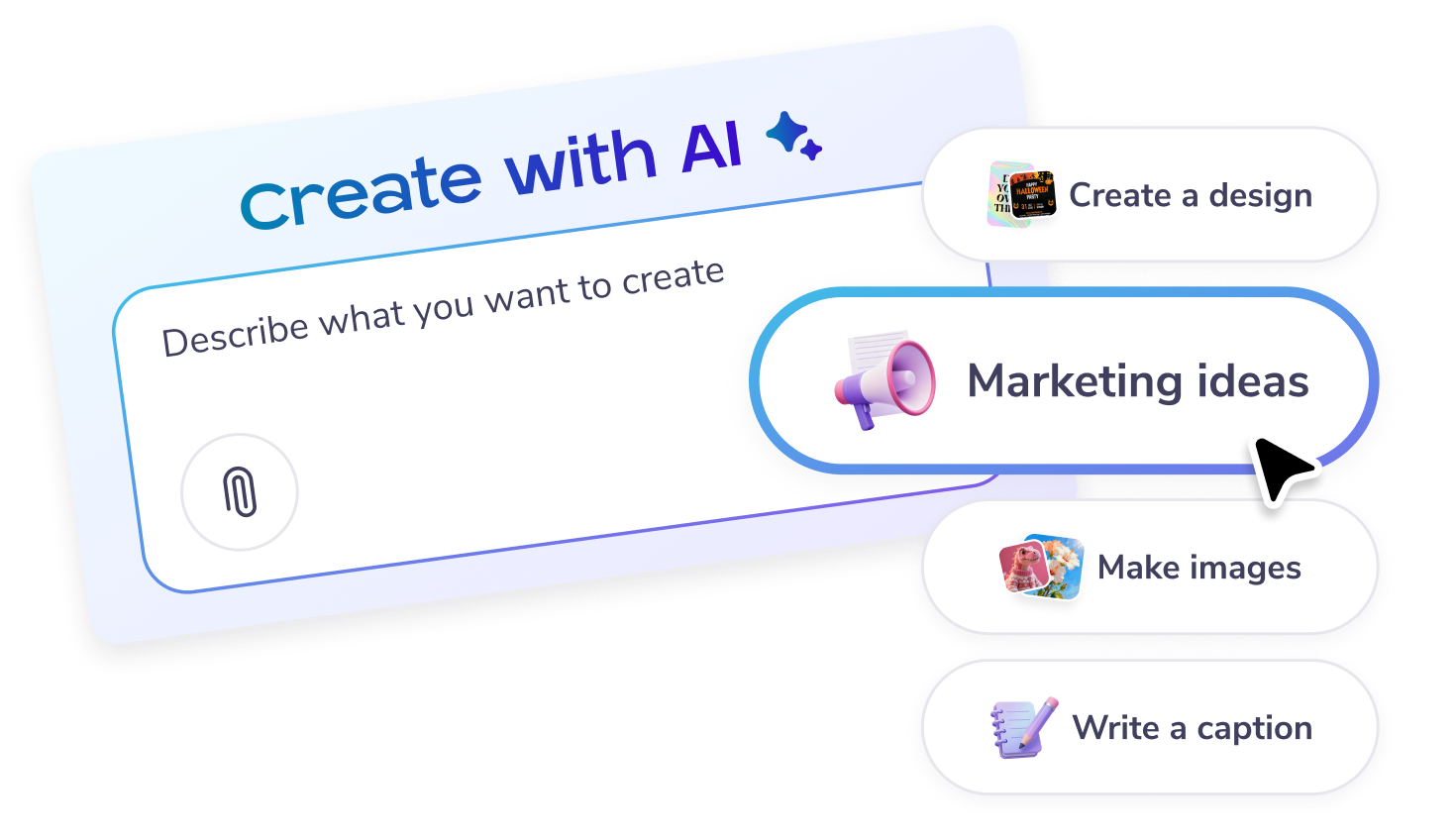
Start a chat in the chat box on the main page, or click on the “Create with AI” option on the left panel.
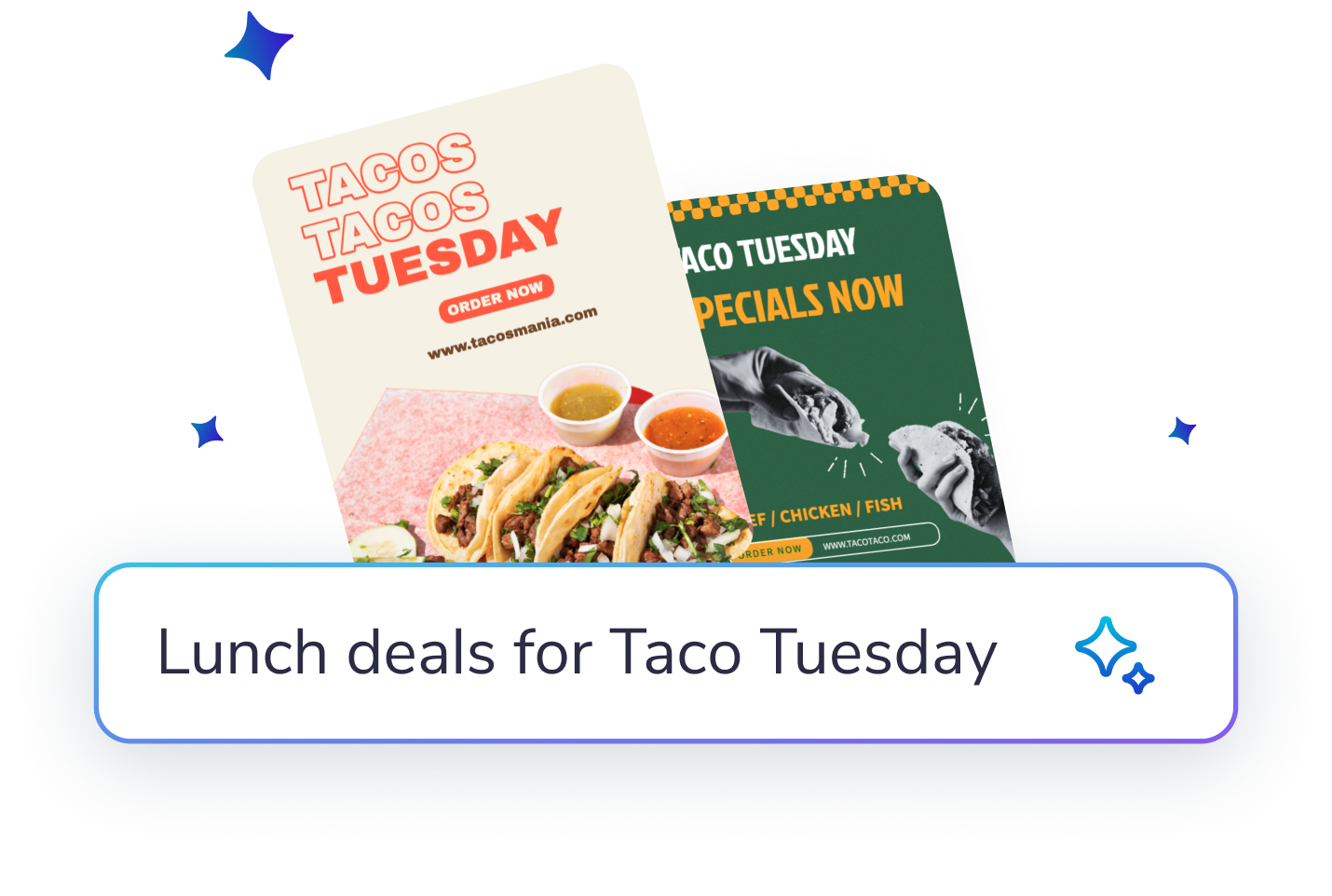
Describe what you would like to create: designs, posters, social posts, email content, captions, marketing ideas - or get inspired from the on-screen options.
Enter feedback or suggestions to improve the AI’s results further. Try adding images, or more specific details to get the result you want!
Customize the image or design further in the editor. You can add text or more elements. Or download, share and publish as it is.

Créez et modifiez avec des invites IA

Téléchargements haute résolution illimités et fidèles à votre marque.

Publiez, ajoutez une légende et programmez en une seule fois.

Pages d'événement, billetterie et promotions

Plus de 5,220 modèles. 10 000 e-mails par mois.

Programmez chaque publication et e-mail dans un seul calendrier.









 Canva vs PosterMyWall
 VistaCreate vs PosterMyWall
 Adobe Express vs PosterMyWall
 Piktochart vs PosterMyWall
 Snappa vs PosterMyWall
 Fotor vs PosterMyWall
 Placeit vs PosterMyWall
 Visme vs PosterMyWall
 Venngage vs PosterMyWall
 Buffer vs PosterMyWall
 Hootsuite vs PosterMyWall
 Sprout Social vs PosterMyWall
 Later vs PosterMyWall
 Agorapulse vs PosterMyWall
 Zoho Social vs PosterMyWall
 Coschedule vs PosterMyWall
 Sendible vs PosterMyWall
 Loomly vs PosterMyWall
 Stripo vs PosterMyWall
 Mailchimp vs PosterMyWall
 Constant Contact vs PosterMyWall
 Brevo vs PosterMyWall
 GetResponse vs PosterMyWall
 Kit vs PosterMyWall
 Moosend vs PosterMyWall
 Omnisend vs PosterMyWall
GetResponse vs PosterMyWall
Omnisend vs PosterMyWall
GetResponse vs PosterMyWall
 Eventbrite vs PosterMyWall
 Evently vs PosterMyWall
 Facebook Events vs PosterMyWall

Gradient par PosterMyWall



© 2010-2026 250 Mils LLC. Tous droits réservés.









