Vous semblez utiliser un vieux navigateur, la plupart des options ne fonctionneront pas. Veuillez mettre à jour votre navigateur.
Venngage Alternatives: Top Infographic & Visual Storytelling Tools for Business & Marketing
Last Updated:
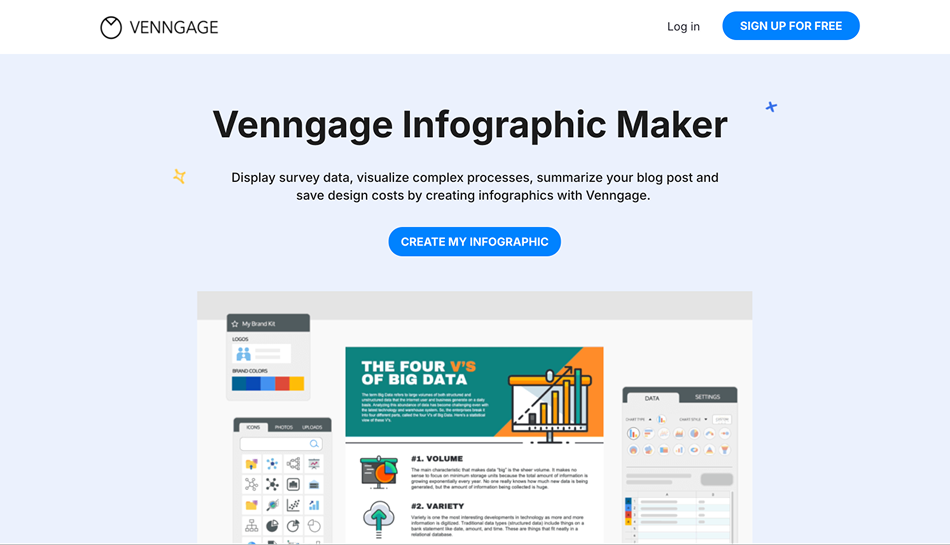
Venngage has become a go-to platform for non-designers and professionals who need to turn data into beautiful visuals. With a focus on infographics, reports, and data-driven storytelling, it’s widely used by educators, marketers, and corporate teams looking to simplify information visually.
But while Venngage excels in static infographics, it may not offer all the tools you need, especially if your content strategy includes animated visuals, social publishing, team collaboration, or multimedia content. That’s where the search for Venngage alternatives begins.
In this guide, we break down what Venngage does well, what to look for in a competitor, and the 10 best alternatives, starting with the all-in-one platform,PosterMyWall.
What is Venngage?
Venngage is a web-based infographic maker designed to help non-designers create professional-looking visuals. It offers a drag-and-drop editor, pre-built layouts, and smart charts to make data presentation accessible and engaging.
Key Features of Venngage
Infographic Templates: Pre-designed layouts for timelines, processes, statistical visuals, and geographic data.
Data Visualization Tools: Import data from spreadsheets or enter manually to generate dynamic charts, graphs, and maps.
Business Templates: Build reports, proposals, pitch decks, and whitepapers with branding.
Team Collaboration Tools: Share projects, add comments, and lock brand assets for consistency.
Brand Kit Support: Save your logo, fonts, and colors to apply branding across designs.
Export & Sharing Options: Download in various formats or share via web links.
What to Consider When Choosing a Venngage Alternative
When looking for an alternative to Venngage, it’s important to consider both design versatility and the type of content you want to create. Here’s what to evaluate:
Format Flexibility: Does the platform support more than infographics—such as videos, social posts, flyers, and animations?
Ease of Use: Is the interface beginner-friendly without limiting your creativity?
Data Visualization Depth: Does it offer customizable charts, maps, and live data connections?
AI and Automation Tools: Smart features like background removal, resizing, and auto-suggestions can save hours of work.
Brand Management & Collaboration: Can you manage brand kits, invite team members, and work on shared designs?
Publishing Capabilities: Does the tool integrate with social media or email platforms for streamlined publishing?
10 Best Venngage Alternatives
1. PosterMyWall
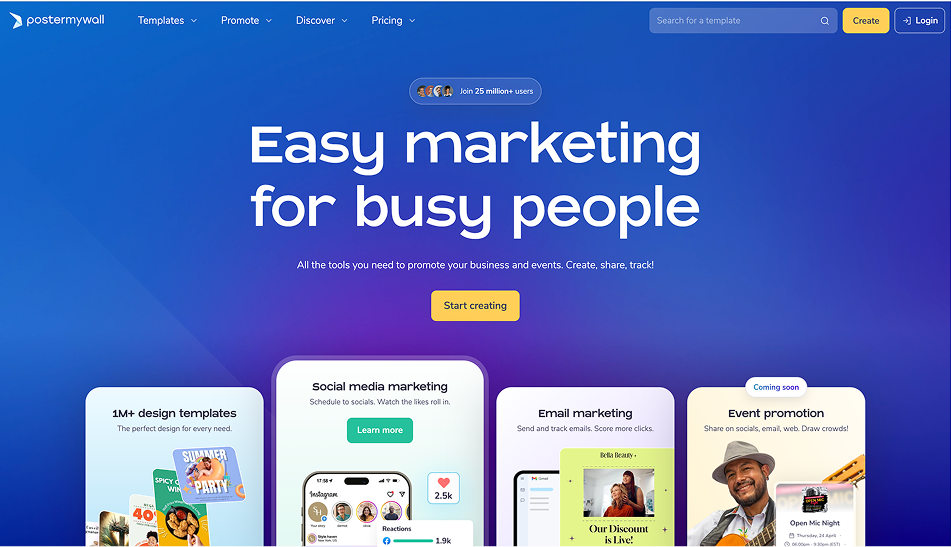
PosterMyWall is a comprehensive design and marketing platform that does far more than infographics. You can create flyers, social media posts, videos, motion graphics, email campaigns, and even digital signage—all within a drag-and-drop interface that’s easy for non-designers.
Why It’s Better Than Venngage:
Where Venngage focuses mostly on static, data-driven visuals, PosterMyWall helps users create, animate, and publish across multiple platforms. You don’t just visualize data—you turn it into content that converts.
Standout Features:
Extensive Template Library: Over 1 million ready-made templates for social media, email, print, video, and signage—covering a broader range of industries than Venngage.
AI-Powered Design Tools: Includes auto-resize, background removal, and AI-generated content blocks that make content creation faster.
Video Editing & Animation: Build reels, promo clips, or animated charts—ideal for businesses looking to break free from static content.
Marketing Integration: Run email marketing campaigns and schedule social media posts directly—without leaving the design interface.
Brand Kits & Team Collaboration: Store logos, fonts, and brand colors. Invite contributors and manage campaigns collaboratively.
Best For:
Busy marketers, nonprofits, churches, educators, and small teams who need a complete visual content + marketing toolkit.
2. Canva
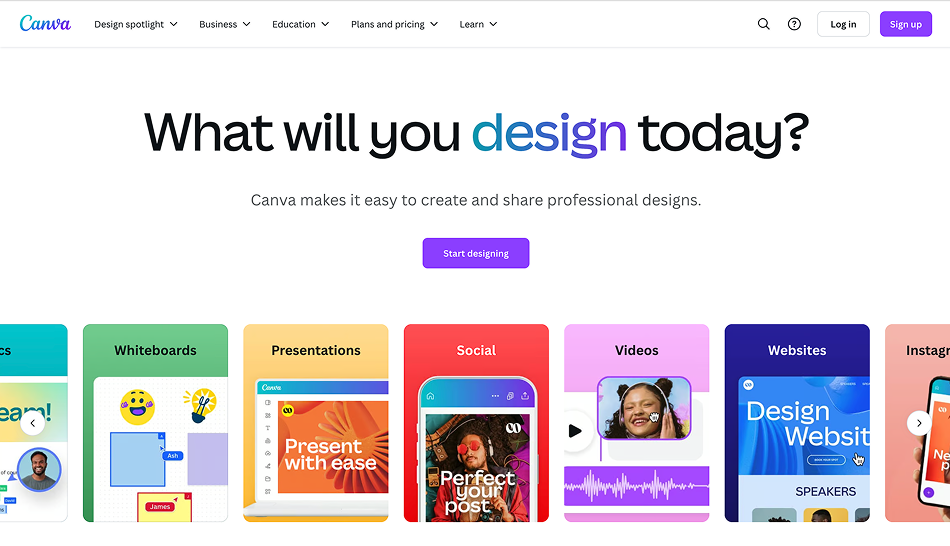
Canva is a widely popular platform for visual communication. Its flexibility makes it a go-to tool for teams producing everything from social posts to videos, business documents, and light data visuals.
Why It’s a Venngage Alternative:
Canva offers greater variety in content types. While Venngage is great for infographics, Canva lets you go from pitch decks to animated Instagram reels—all while managing teams and brand assets.
Standout Features:
Chart Builder with Sheet Sync: Design graphs and sync them with live Google Sheets for automated updates.
Smart AI Tools: Use Magic Write for copywriting, Magic Resize for multi-format repurposing, and Text to Image for AI-generated visuals.
Content Planner: Schedule your graphics across Instagram, Facebook, LinkedIn, and more.
Team Collaboration: Share folders, assign editing permissions, and comment in real time.
Best For:
Creative teams, agencies, social media managers, and educators who need flexible, collaborative design tools for all formats—not just infographics.
3. Visme
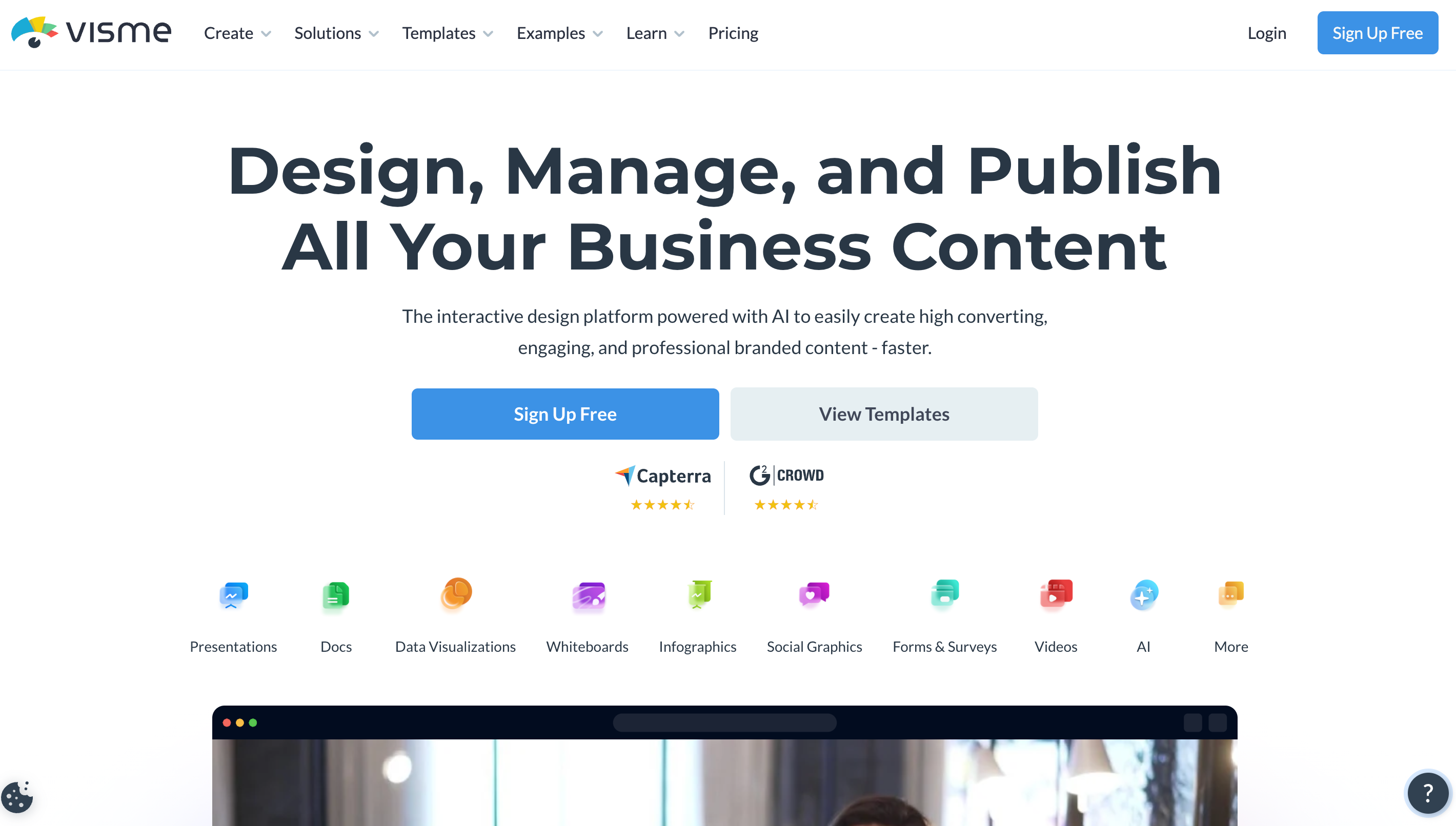
Visme merges professional design with business storytelling. It’s built to create not just infographics, but also presentations, interactive dashboards, charts, proposals, and eBooks.
Why It’s a Stronger Storytelling Platform:
If your visual content goes beyond simple graphics into interactive formats, team documentation, or embedded training decks, Visme offers more sophistication than Venngage.
Standout Features:
Live Charts & Graphs: Pull from Google Sheets or APIs to keep data visuals current.
Interactive Features: Add buttons, hyperlinks, video embeds, or hover-triggered info to make reports and visuals clickable.
Branded Presentations: Build pitch decks or proposals with motion effects and reusable slides.
Workspace for Teams: Commenting, permissions, and version control all included.
Best For:
Corporate trainers, marketers, and educators who want to elevate static data into interactive visual experiences.
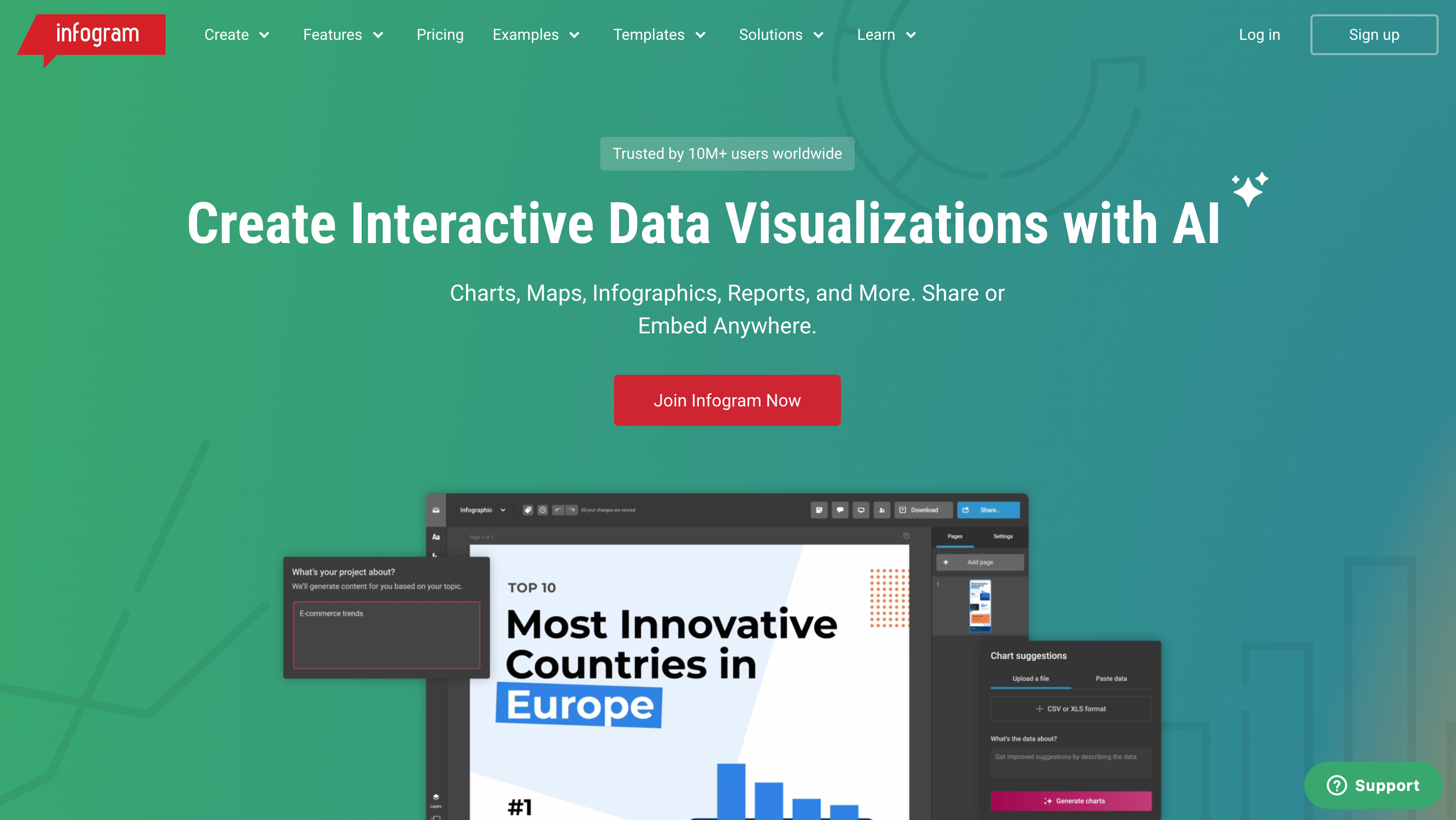
4. Infogram
Infogram is a data visualization powerhouse. If Venngage is best for storytelling, Infogram is perfect for serious data communication, live dashboards, and analytics-driven visuals.
Why It’s Ideal for Data-Heavy Work:
Infogram supports real-time data visualization, embedding, and extensive chart customization, making it suitable for analysts and data journalists.
Standout Features:
Dynamic Dashboards: Build real-time visual dashboards powered by live feeds or spreadsheets.
Custom Maps & Heat Maps: Create geographic data visuals with global or local granularity.
Embed Anywhere: Use iframe code to add interactive infographics to your site, intranet, or reports.
Responsive Design: All visuals auto-adjust for mobile, tablet, and desktop displays.
Best For:
Publishers, researchers, SaaS marketers, and data-driven teams needing responsive, dynamic, and live visual communication.
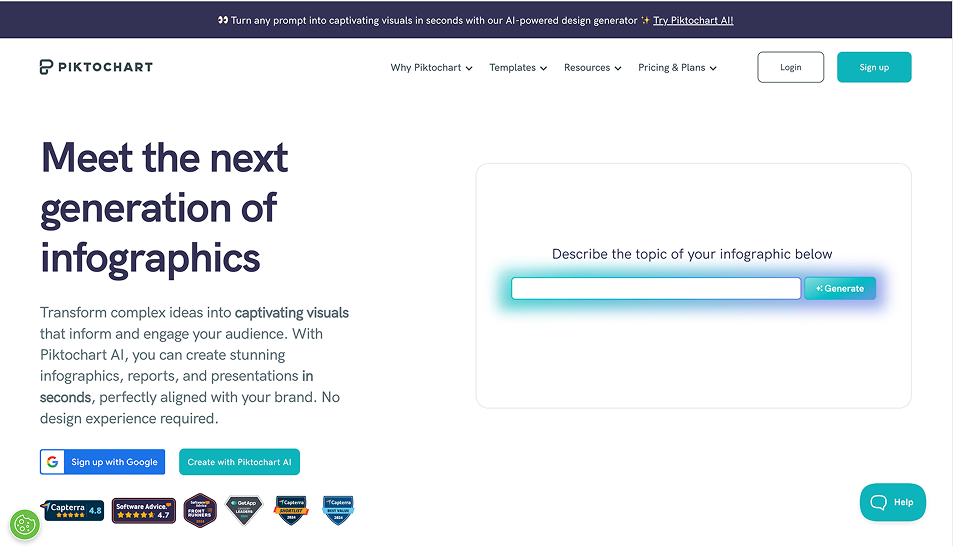
5. Piktochart
Piktochart offers polished templates for business visuals—especially presentations, infographics, and reports. It focuses on clear, concise storytelling through data and professional layouts.
Why It’s Better for Report-Style Content:
Where Venngage shines in infographic variety, Piktochart offers more structure and control for professional-grade reporting with built-in branding tools.
Standout Features:
Import Excel/CSV Data: Build detailed charts and graphs with imported datasets.
Document Creation: Design quarterly reports, CVs, event programs, and onboarding guides with page-by-page formatting.
Professional Layout Control: Greater precision for text alignment, spacing, and font control.
Best For:
Consultants, nonprofits, HR teams, and educators creating long-form, data-driven visual reports. Continuing with the final five fully expanded competitors for your “Venngage vs Alternatives” article:
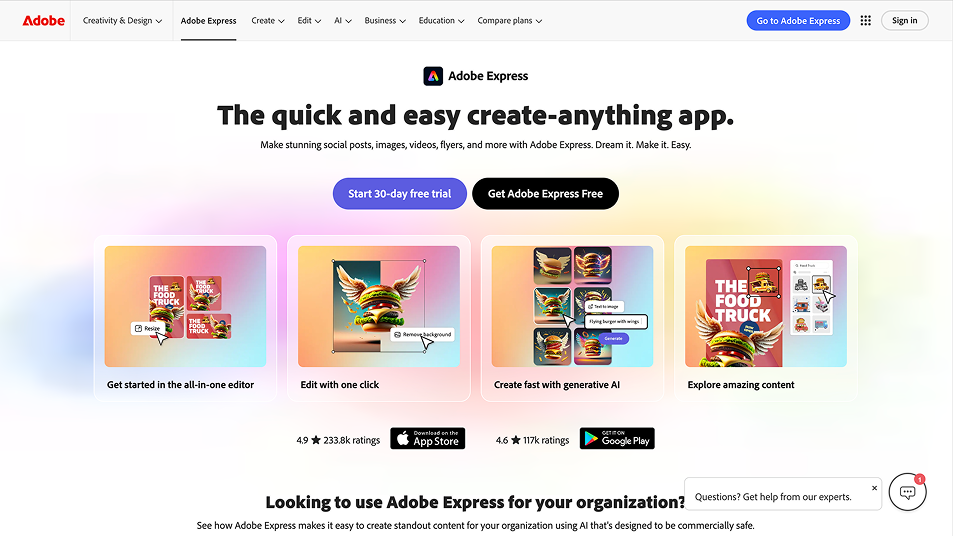
6. Adobe Express
Adobe Express delivers professional-grade design tools in a simplified web-based format. Built by Adobe, it’s perfect for users who want polished, on-brand content without mastering advanced software like Illustrator.
Why It’s a Worthy Venngage Alternative:
While Venngage emphasizes infographics, Adobe Express is better for creating visually impactful, multi-purpose content such as social graphics, posters, ads, and branded reports with animation and rich visuals.
Standout Features:
Access to Adobe Stock & Fonts: Pull from premium libraries to elevate visual quality.
One-Click Edits: Remove backgrounds, animate text, and resize images instantly.
Brand Management: Upload logos, define palettes and typography, and apply them with one click across all designs.
Creative Cloud Sync: Seamlessly integrate assets across Photoshop, Lightroom, and Express.
Best For:
Agencies, small businesses, and creators who want fast, brand-consistent visuals with high production value.
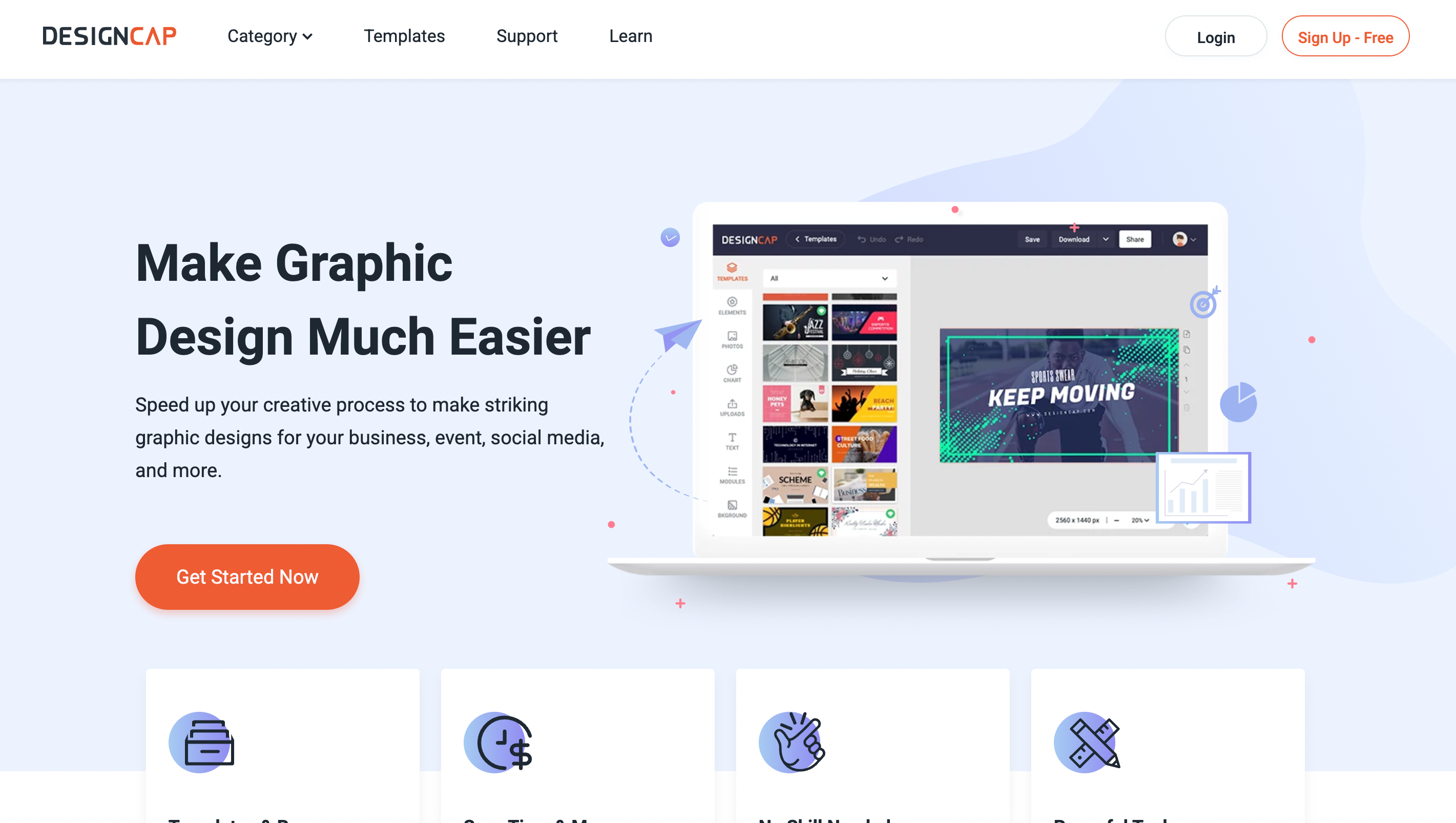
7. DesignCap
DesignCap is a simple yet powerful platform for creating data-driven business graphics. It bridges the gap between infographic makers and productivity tools.
Why It’s a Business-Focused Alternative:
DesignCap is perfect if you need to visualize data for business documents, proposals, and reports, without diving into complicated design software.
Standout Features:
Ready-Made Templates for Reports & Charts: Streamline internal presentations or client proposals.
Drag-and-Drop Data Visuals: Create bar graphs, pie charts, timelines, and process flows easily.
Minimalist UI: Lightweight and fast to learn—even for Excel-first users.
Best For:
Small business owners, startup teams, and professionals who want to turn spreadsheets into visual reports—quickly and cleanly.
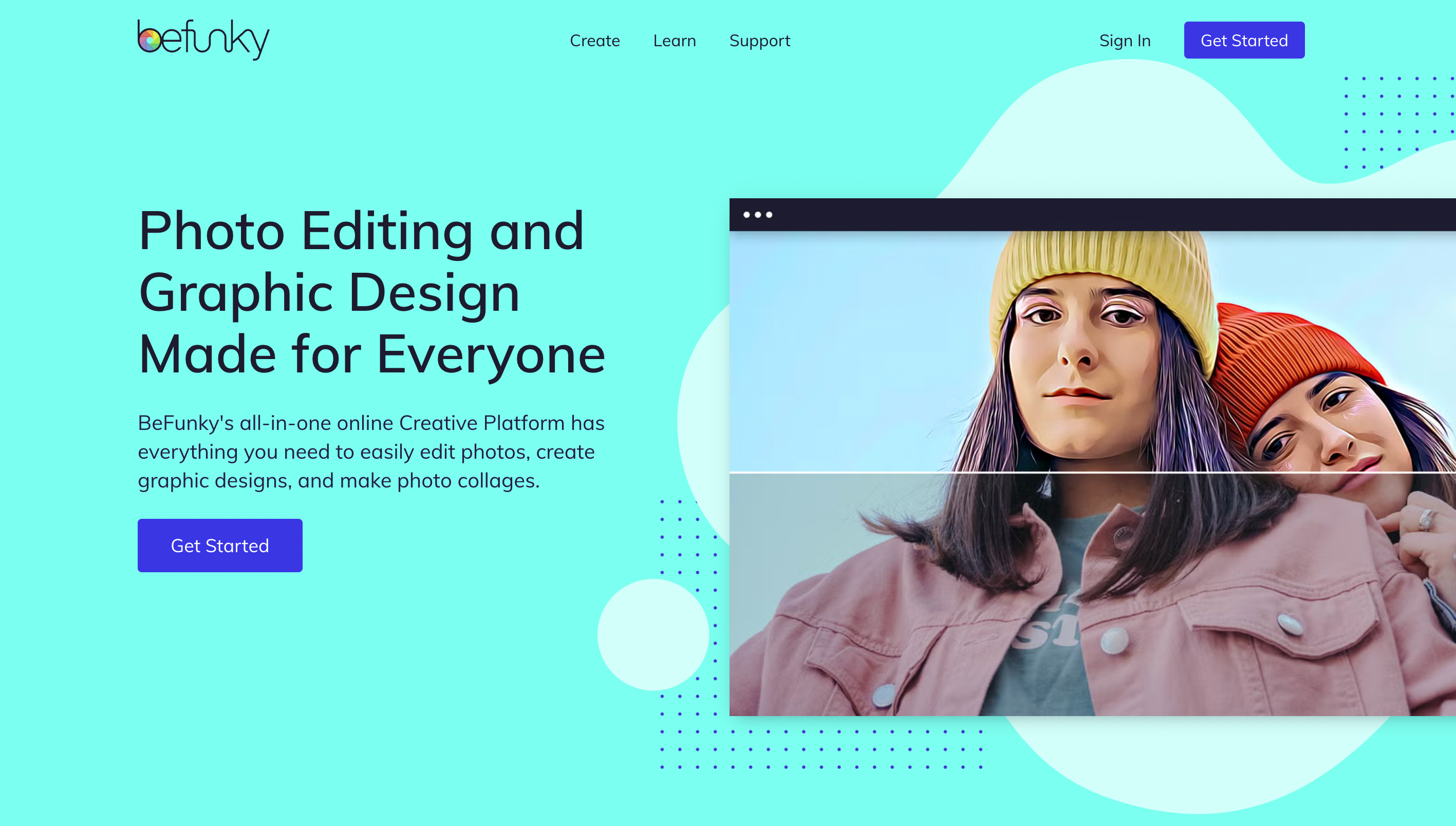
8. BeFunky
BeFunky is a creative platform that blends photo editing, collage building, and graphic design. While not strictly a data visualization tool, it’s ideal for storytelling with a personal or visual twist.
Why It’s a Creative Alternative to Venngage:
Venngage is rigidly structured around templates and data. BeFunky lets you experiment—perfect for lifestyle content, mood boards, blog visuals, or expressive presentations.
Standout Features:
Artistic Photo Effects: Transform photos into sketches, cartoons, or oil paintings.
Customizable Collages: Combine text, images, and charts in free-form layouts.
Batch Editing & Filters: Great for creators who process large image sets.
Basic Chart Tools: Add visual elements without complex formatting.
Best For:
Lifestyle brands, educators, artists, and creators who want expressive, photo-based content with room for creativity.
9. Lucidpress (Marq)
![Screenshot Placeholder] Lucidpress (now Marq) is a brand templating platform designed for distributed teams. Unlike Venngage, which focuses on one-off designs, Marq ensures brand consistency at scale, even for non-designers.
Why It’s an Enterprise-Ready Venngage Alternative:
Marq makes it easy for large organizations to create on-brand infographics, brochures, reports, and newsletters—without giving every team member design access.
Standout Features:
Locked Templates: Teams can edit text/images but can’t alter brand-critical elements like logos or layout.
Smart Fields: Auto-fill fields (e.g. contact info, location) across templates.
Permission Controls: Assign different roles for designers, contributors, and reviewers.
Scalable Output: Ideal for creating customized collateral across regions or departments.
Best For:
Franchises, enterprise teams, and organizations managing visual content at scale with strict brand guidelines.
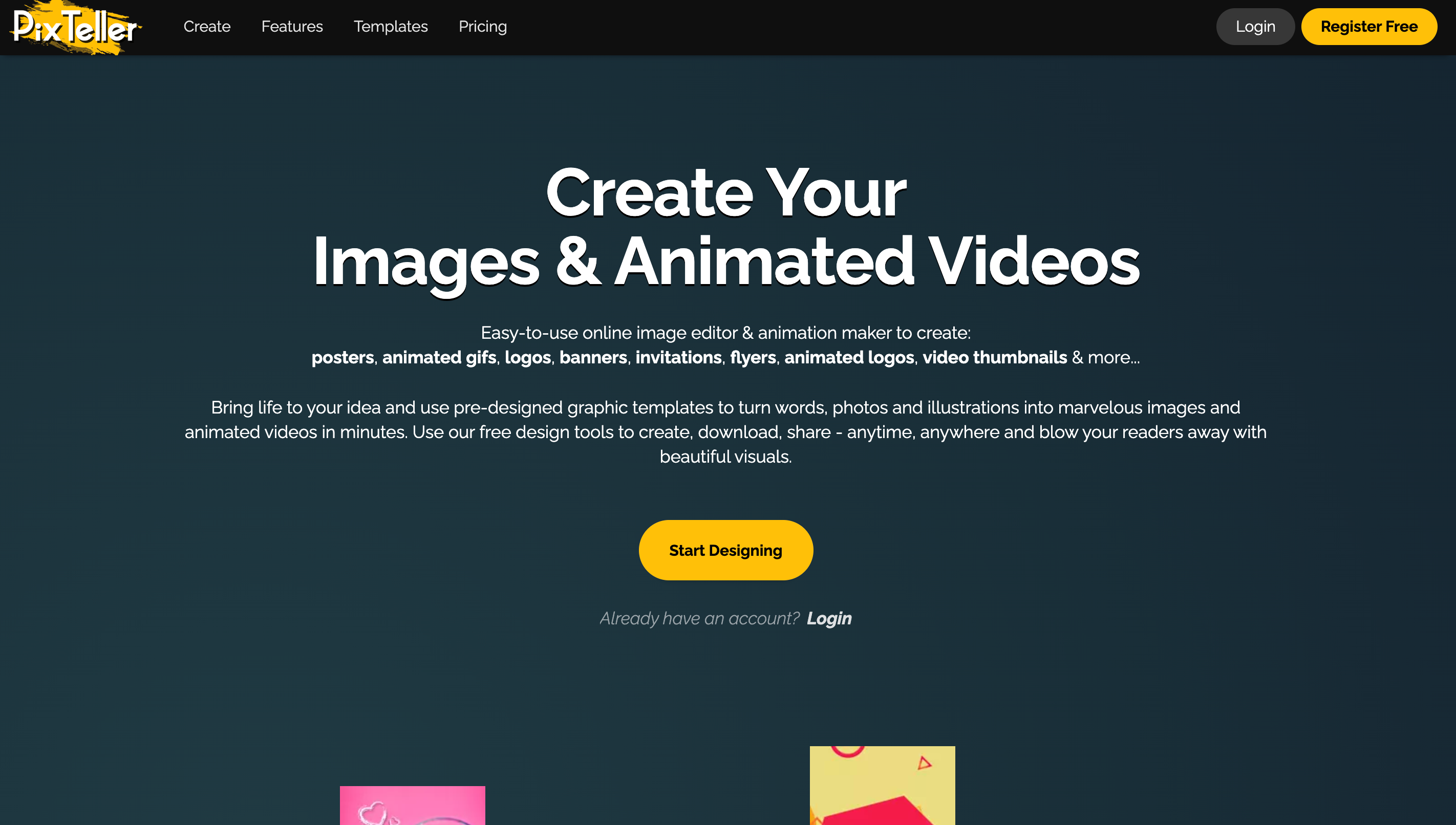
10. PixTeller
PixTeller is a visual design tool that blends static design with easy animation features, offering timeline-based editing for GIFs and social videos.
Why It’s a Motion-Forward Venngage Alternative:
Venngage is limited to static visuals. PixTeller introduces basic motion design, letting you animate charts, text, and visual elements for higher engagement.
Standout Features:
Animation Timeline: Control element fade-ins, movements, or transformations frame-by-frame.
Export as Video or GIF: Perfect for social campaigns or product explainers.
Pre-Made Templates: Use designs for posters, banners, or animated quotes.
Lightweight UI: Doesn’t require a steep learning curve or software installation.
Best For:
Social media marketers, startups, and small teams looking to add movement to their messaging without a video editor.
Final Thoughts: Which Venngage Alternative Should You Choose?
If you’re creating simple infographics or internal reports, Venngage is a solid tool. But for users who need more flexibility, animation, collaboration, publishing, or brand governance, many of the alternatives above offer deeper functionality and better long-term value.
Quick Comparison Table
Use Case
Best Tool
Design + publish + market in one place
PosterMyWall
All-purpose team collaboration
Canva
Interactive business storytelling
Visme
Live data dashboards
Infogram
Professional reports & presentations
Piktochart
Branded visuals with Adobe polish
Adobe Express
Business graphics with fast chart tools
DesignCap
Visual storytelling with personality
BeFunky
Brand-safe templates for large teams
Lucidpress (Marq)
Animated infographics and video quotes
PixTeller
Best All-Around Pick
PosterMyWall isn’t just an infographic tool, it’s a full-scale content hub for design, video, publishing, and marketing. With tools for social media, email, and digital signage, it helps you create once and promote everywhere.













 Canva vs PosterMyWall
 VistaCreate vs PosterMyWall
 Adobe Express vs PosterMyWall
 Piktochart vs PosterMyWall
 Snappa vs PosterMyWall
 Fotor vs PosterMyWall
 Placeit vs PosterMyWall
 Visme vs PosterMyWall
 Venngage vs PosterMyWall
 Buffer vs PosterMyWall
 Hootsuite vs PosterMyWall
 Sprout Social vs PosterMyWall
 Later vs PosterMyWall
 Agorapulse vs PosterMyWall
 Zoho Social vs PosterMyWall
 Coschedule vs PosterMyWall
 Sendible vs PosterMyWall
 Loomly vs PosterMyWall
 Stripo vs PosterMyWall
 Mailchimp vs PosterMyWall
 Constant Contact vs PosterMyWall
 Brevo vs PosterMyWall
 GetResponse vs PosterMyWall
 Kit vs PosterMyWall
 Moosend vs PosterMyWall
 Omnisend vs PosterMyWall
 Eventbrite vs PosterMyWall
 Evently vs PosterMyWall
 Facebook Events vs PosterMyWall






